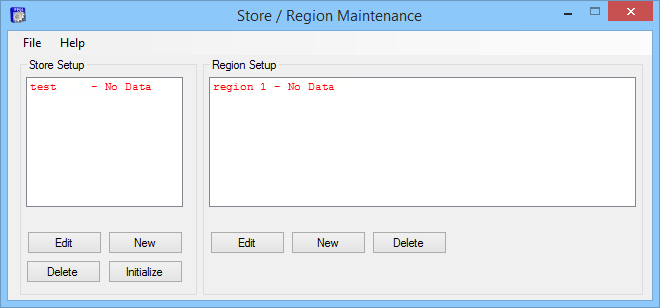
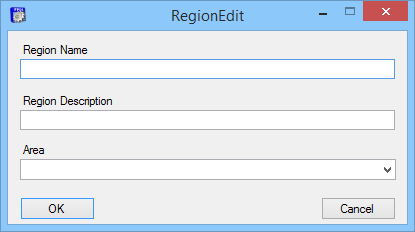
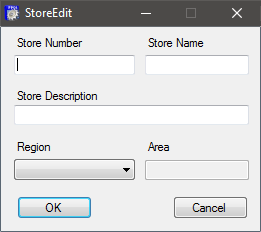
Every store must be part of a region. Stores within the same region will share regional data. Whenever a change is made to regional data, the change will be propagated to all of the stores in that region. If two stores have different regional data, they must exist in different regions. For example, if Store A and Store B have the same menu, but the prices are different, they must be in two different regions, therefore, it is common to have only one store per region.
The list below displays Regional Data that will be shared as part of the initialization process and updated in real-time via the Enterprise server.
|
Regional Data
* Customers and Gift Certificates can also be considered global. Frequent Diner information is included as part of Customer information. In order to "share" Frequent Diner information between regions or globally. Customer information must be shared. Stores sharing Frequent Diner information must also select the same settings when configuring Frequent Diner Maintenance at the store level.
|
- Buttons
- Classes
- Coupons
- Customers *
|
- Daily Specials
- Departments
- Discounts
- Frequent Diner *
|
- Gift Certificates *
- Help Topics
- Items
- Media
|
- Reason Codes
- Recipes
- Terminal Screens
- Zone Charges
|
 What happens when I initialize an Enterprise Store?