How to Access the General Ledger Interfaces
- Open the Back Office.
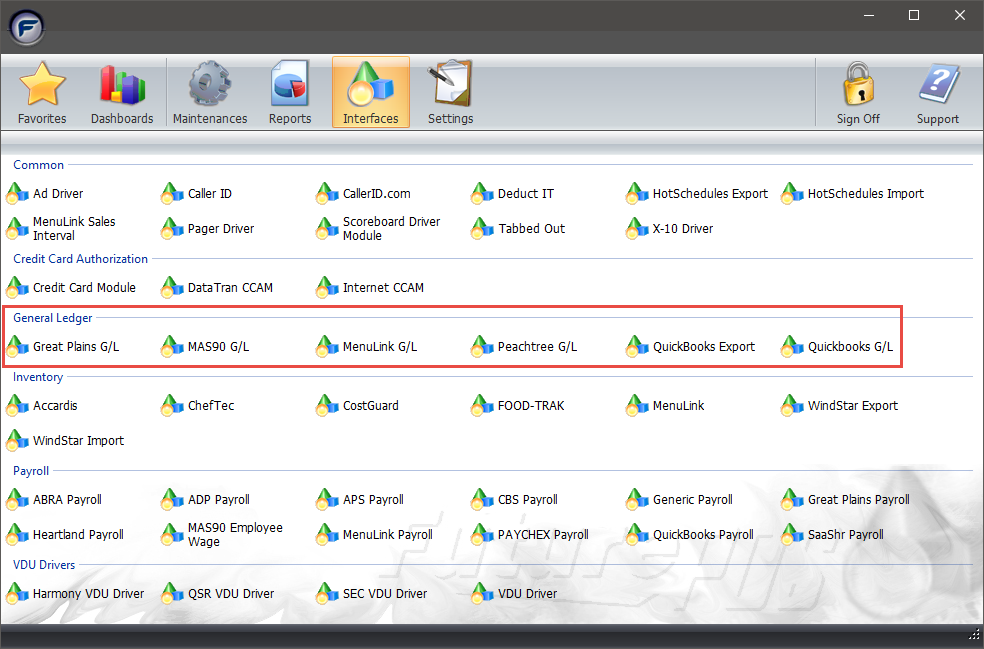
- Click the Interfaces icon.
- In the General Ledger section, click a General Ledger Interface. Click a link below to view more information on the selected General Ledger Interface.