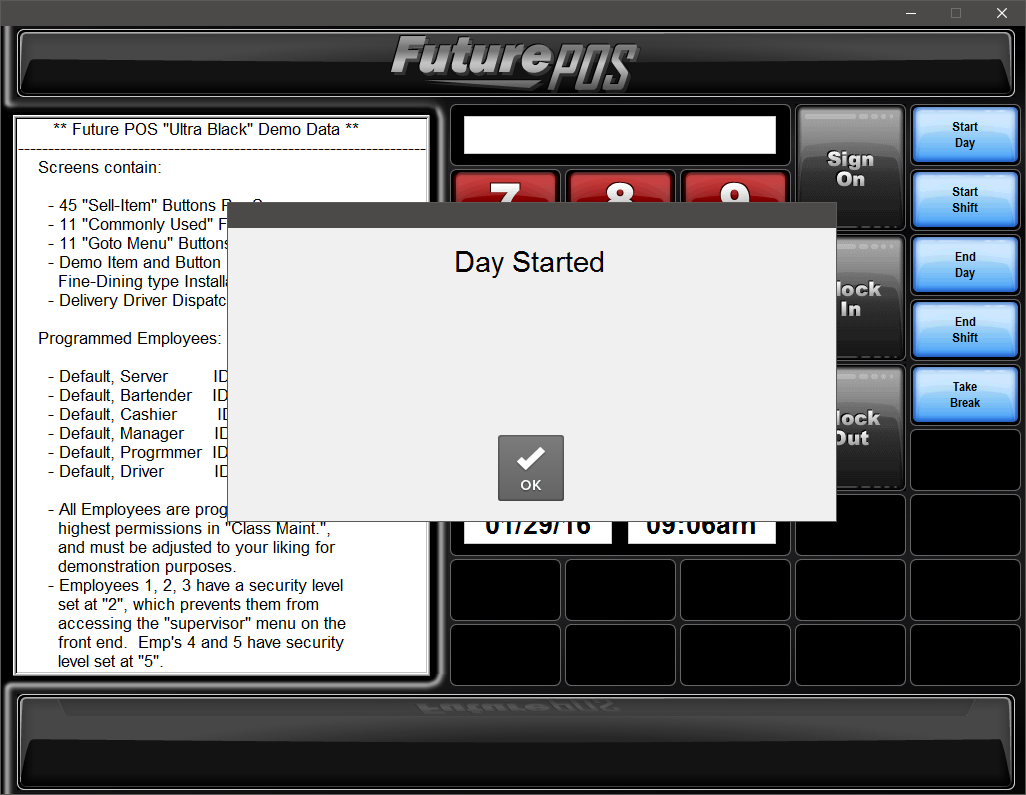
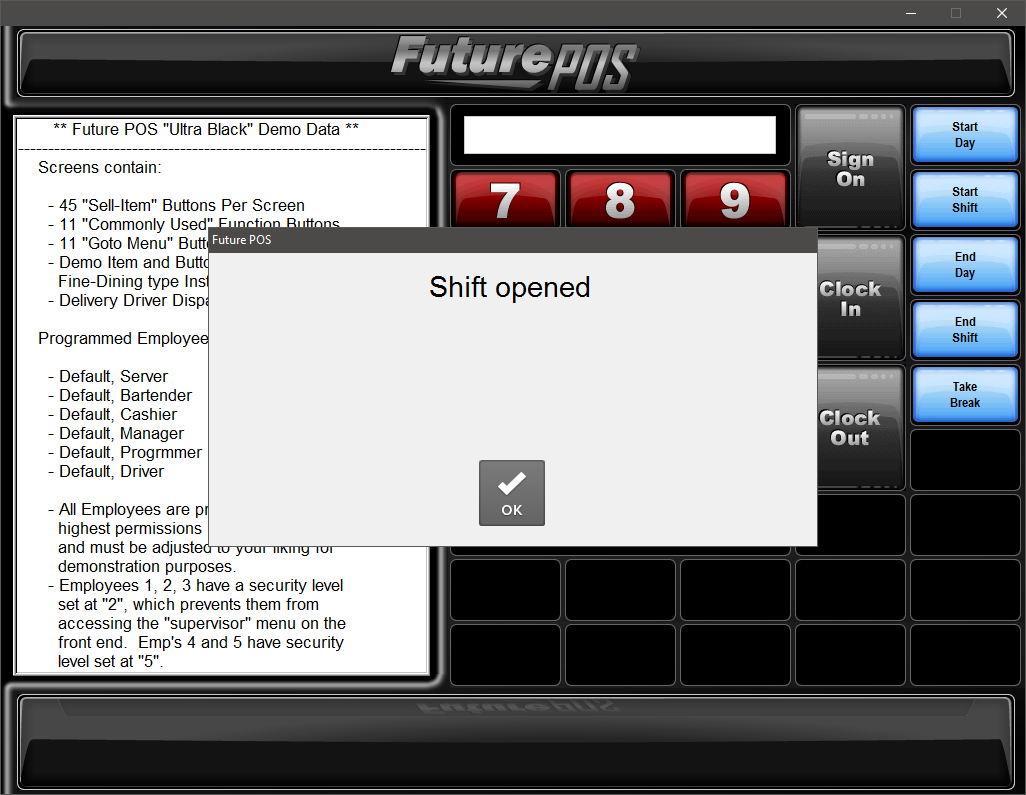
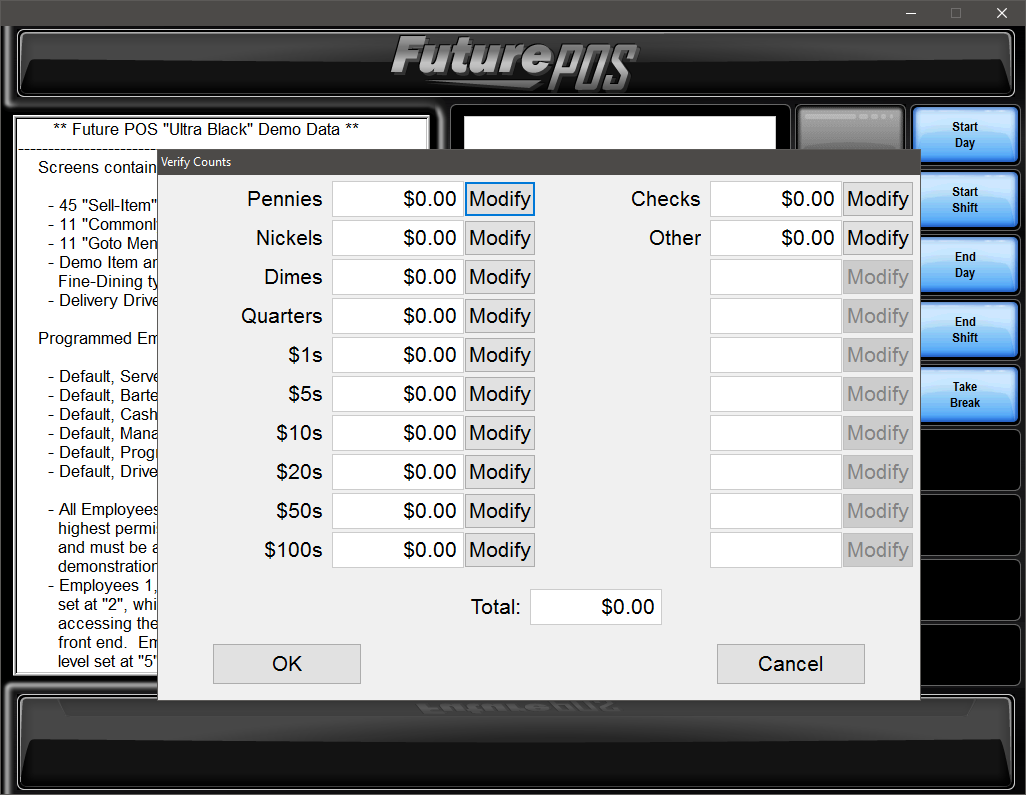
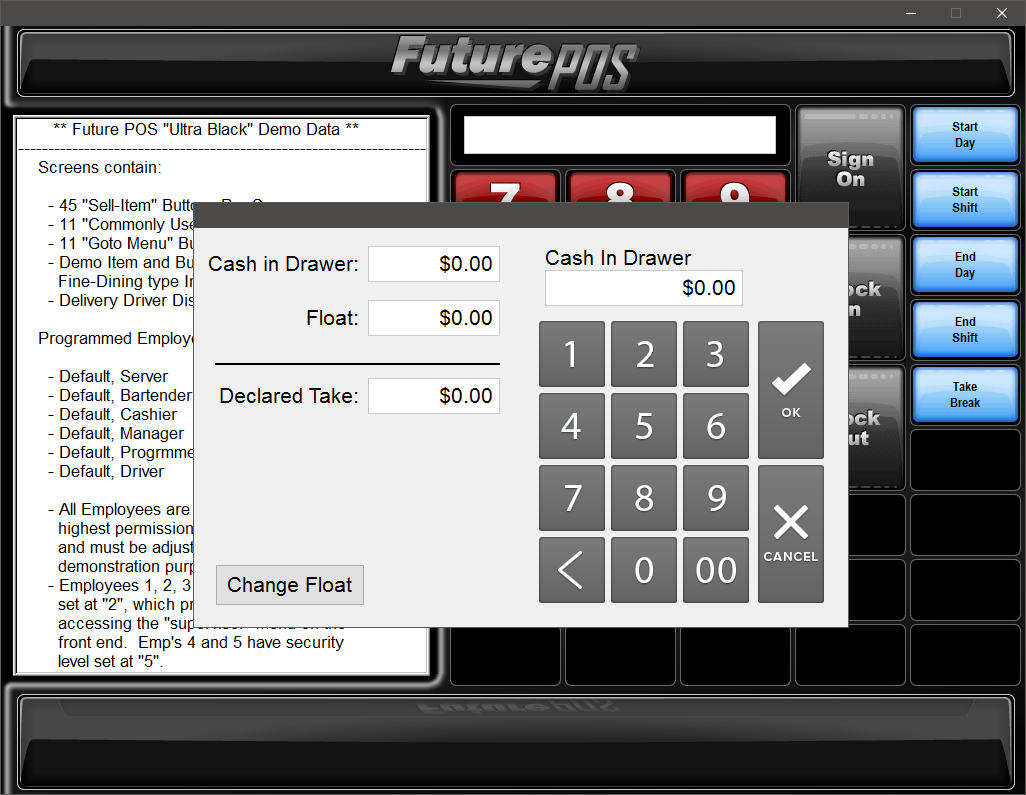
Once you have configured Cash Reconciliation settings, you can begin using Cash Reconciliation on the Front End. Please read the options below carefully. Many of the Front End functions are dependent on the Back Office settings selected when configuring Cash Reconciliation. See About Cash Reconciliation for more information.
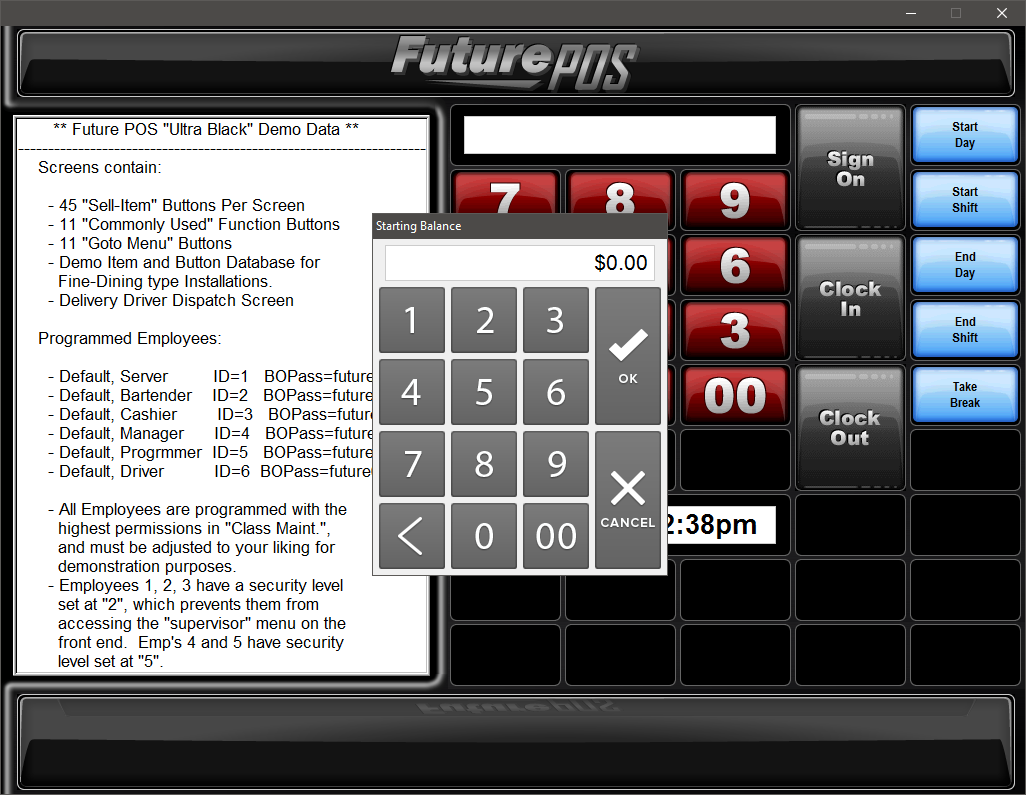
In order to prompt the user for the starting balance when opening a shift, the Enter Starting Balance option must be enabled in the Cash Reconciliation tab.
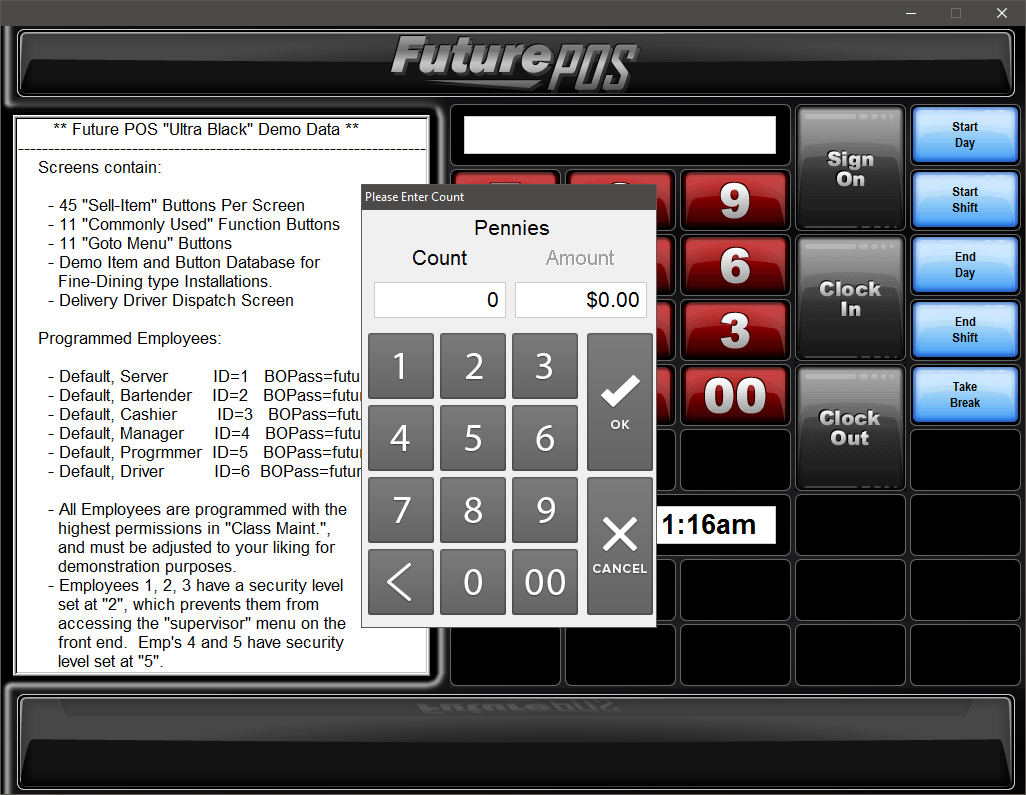
In order to prompt the user for the shift counts when opening a shift, both the Enter Starting Balance option and the Enter Shift Counts option must be enabled in the Cash Reconciliation tab.
In order to prompt the user for shift counts when ending a shift on the Front End, enable the Enable Shift Counts option on the End Shift button settings.
If shift tracking is in use, users cannot end a day with open shifts. To view all open shifts, run the Open Shifts Report.