How to Install the Enterprise Server
- In the Dealer Portal, navigate to the File Explorer. Click the Software tab > FPOS > Fusion50.
- Download the latest version of the FPOS software available, open the file, and click Run.
- Enter the password to proceed with installation and then click OK. The InstallAware Wizard will verify the contents of the setup package.
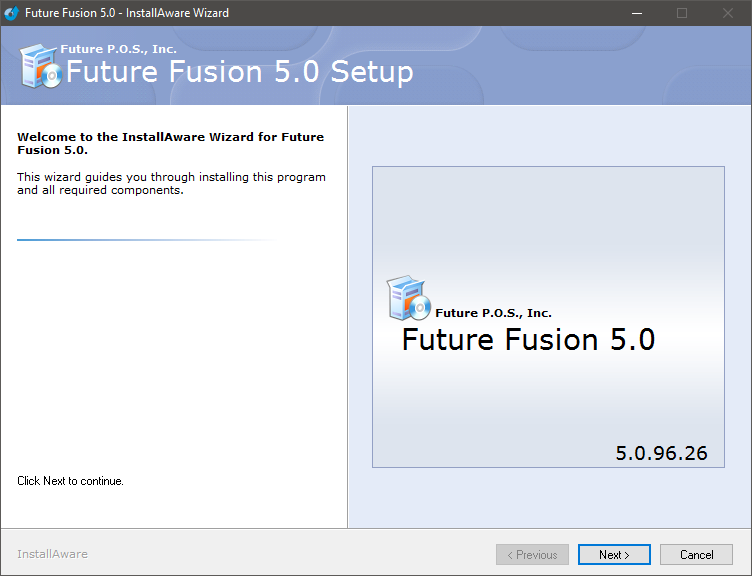
- When the InstallAware Wizard for Future Fusion 5.0 dialog appears, click the Next button to begin the installation process.

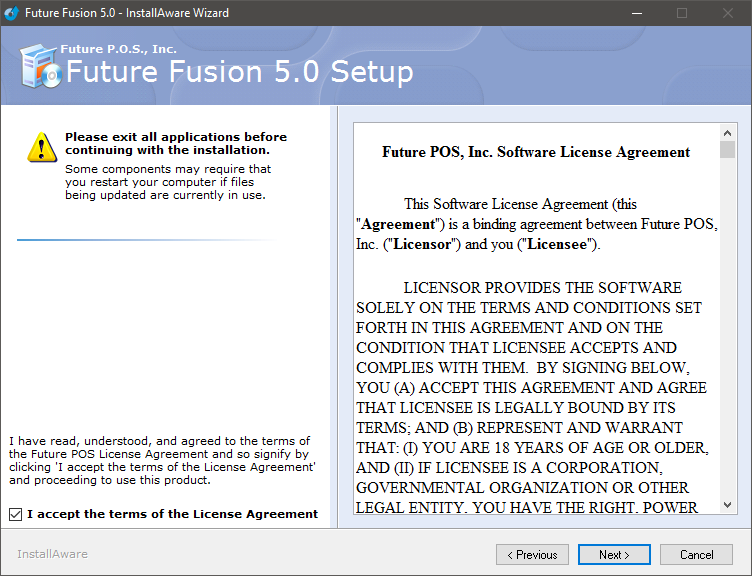
- Click the check box next to I accept the terms of the License Agreement to accept the license agreement terms. This step is mandatory in order to continue the installation process.
- Click the Next button.

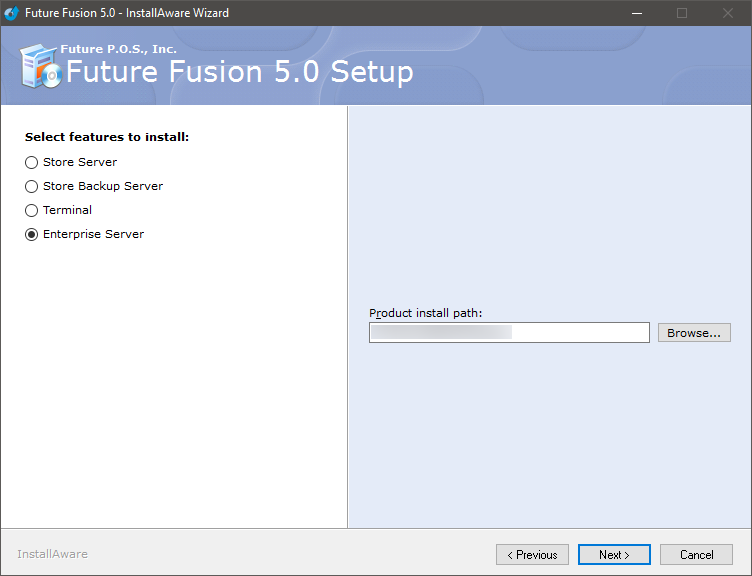
- Select the Enterprise Server radio button, then click the Next button.

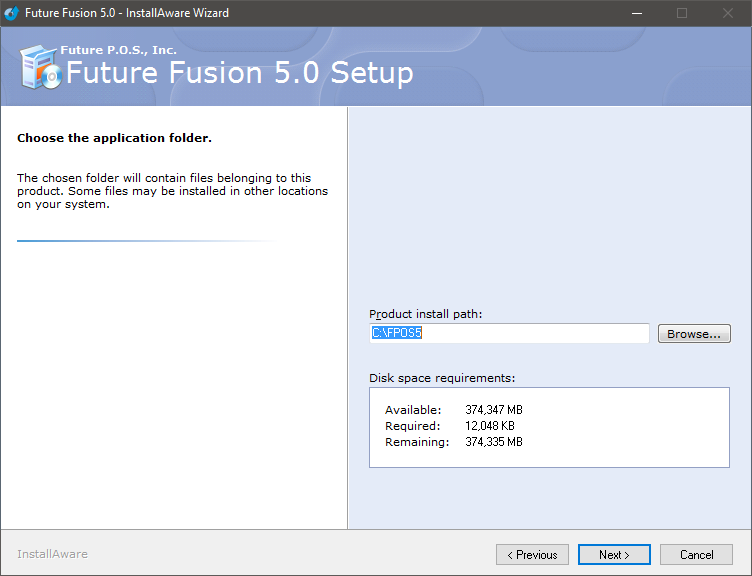
- Browse to an install location or use the default Product Install Path, as shown.
- Click the Next button.

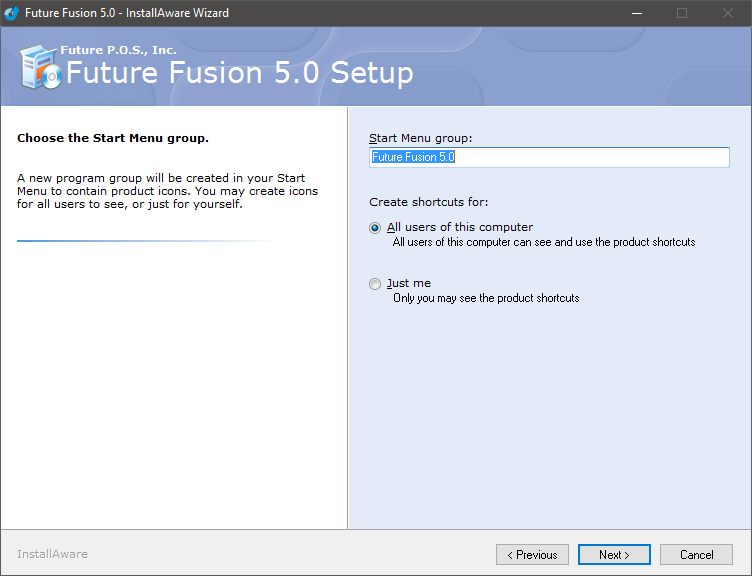
- Configure the Start Menu group name or use the default Start Menu group shown.
- Select a Create shortcuts for option or use the default option, All users of this computer.
- Click the Next button.

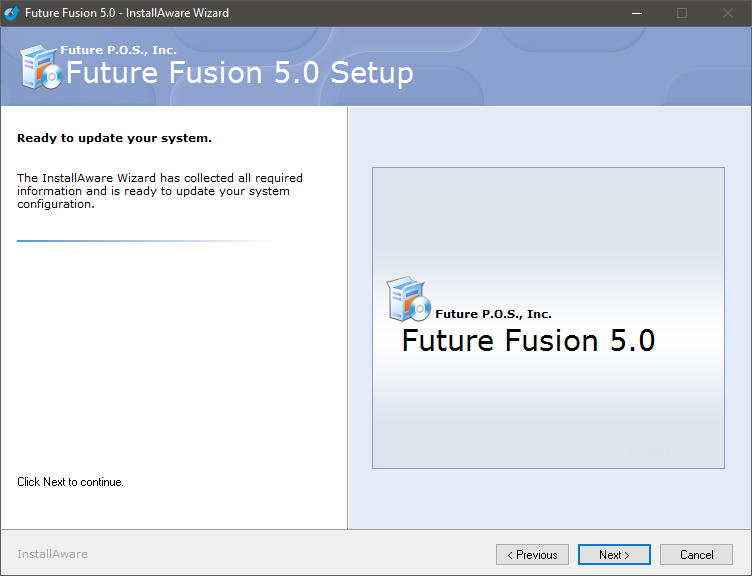
- Click the Next button to continue.

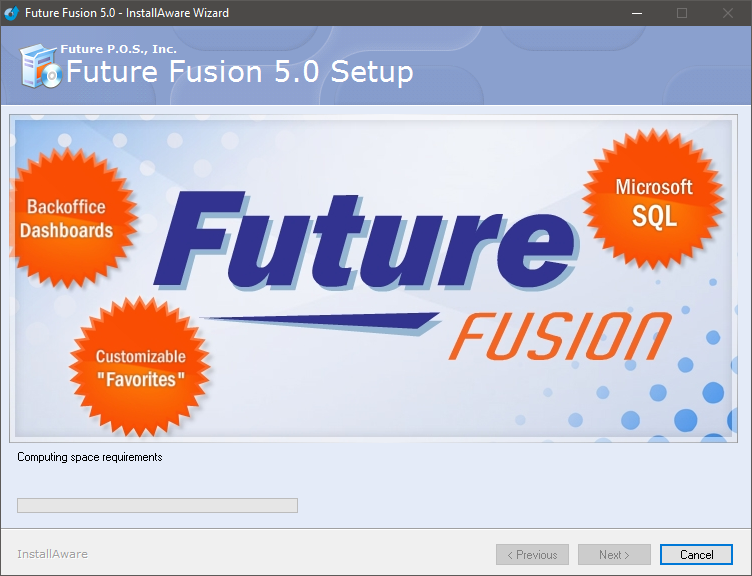
- The installation will begin.

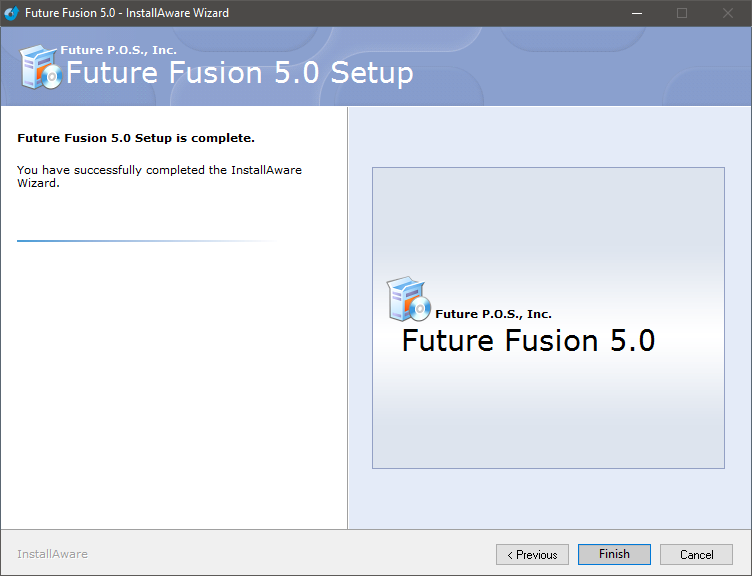
- When the installation has completed, click the Finish button.