Configuring the Enterprise Server Database in DB Setup
- From the Enterprise Server machine, navigate to the Dealer Portal and click the File Explorer icon > Public Files tab > Datasets > Datasets50.
- Download and extract the Fusion_Enterprise.zip file.
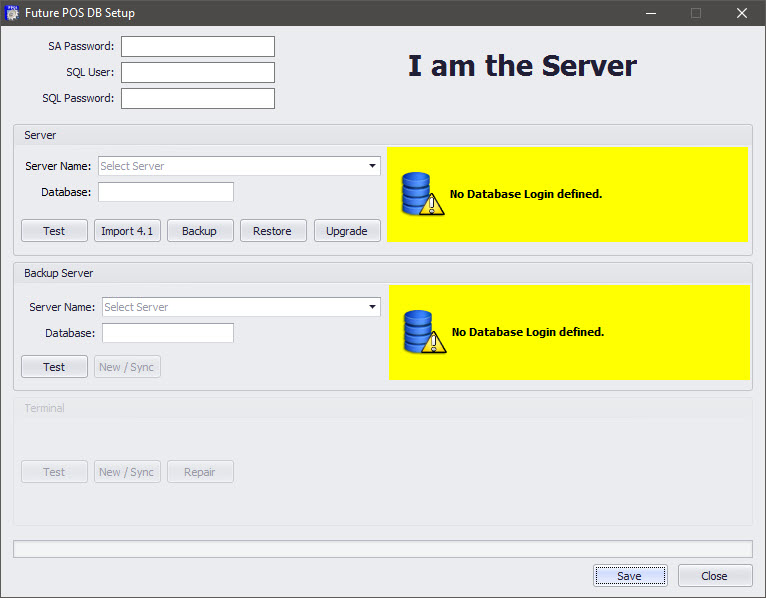
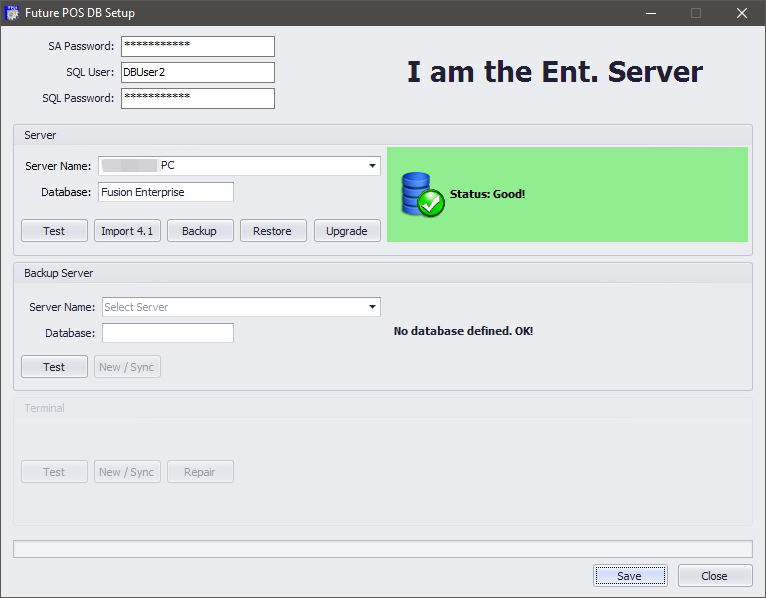
- Open DB Setup.

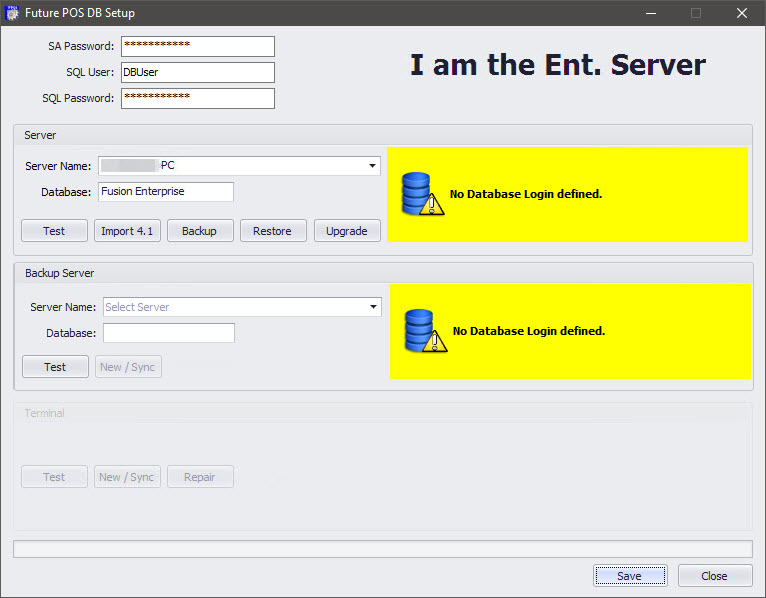
- Enter the SA Password.
- Enter the SQL User.
- Enter the SQL Password.
- In the Server configurations:
- Enter the Server Name. The default server name is Computer Name\CESSQL.
- Enter a Database name. The Database name should be a unique value to avoid overwriting any existing databases.
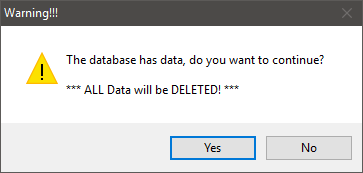
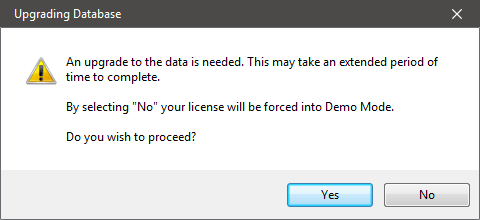
- Click the Restore button. If there is an existing database with the same name specified in DB Setup , the Warning dialog will appear.

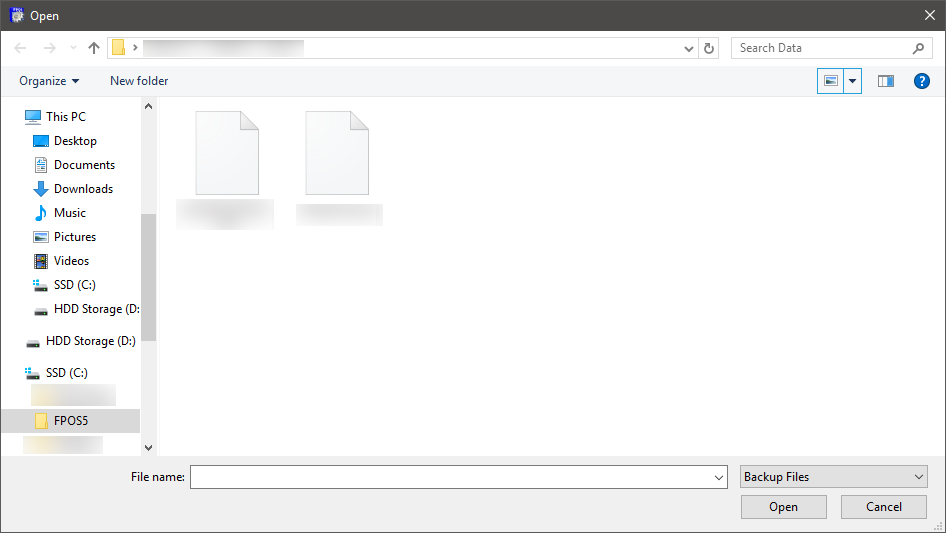
- Click the Yes button to continue. The Open window will appear.
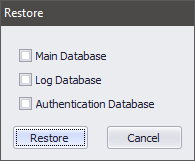
- Select a database to restore.
- Main: Contains the main data set for FPOS.
- Log: Contains logs from the FPOS software. The Log database will be named Databasename_log.

- Select the FusionEnterprise.bak file and then click the Open button. If the Log option was selected in Step 6, the Restore and Upgrade progress bars will appear. If the Main option was selected in Step 6, continue to Step 8.
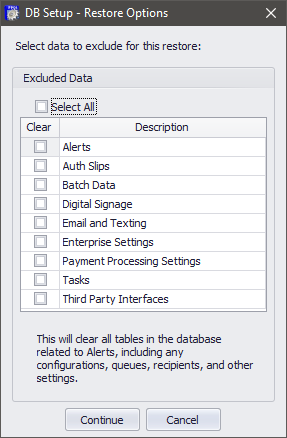
- The DB Setup Restore Options dialog will appear. Select data to exclude or click the Select All check box to exclude all data.
- Alerts: Clears all tables in the database related to Alerts, including any configurations, queues, recipients, and other settings.
- Auth Slips: Clears all Auth Slips that appear under the Credit/Debit/Gift tab in System Settings.
- Batch Data: Clears all tables in the database containing Batch Data, including credit card batch data, as well as any archived data.
- Digital Signage: Clears all tables in the database related to Digital Signage, including any configurations, schedules, content, playlists, and layouts.
- Payment Processing Settings: This will clear all Payment Processing Settings that appear under the Credit/Debit/Gift tab in System Settings.
- After making your selection, click the Continue button.

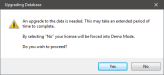
The Upgrade Database prompt

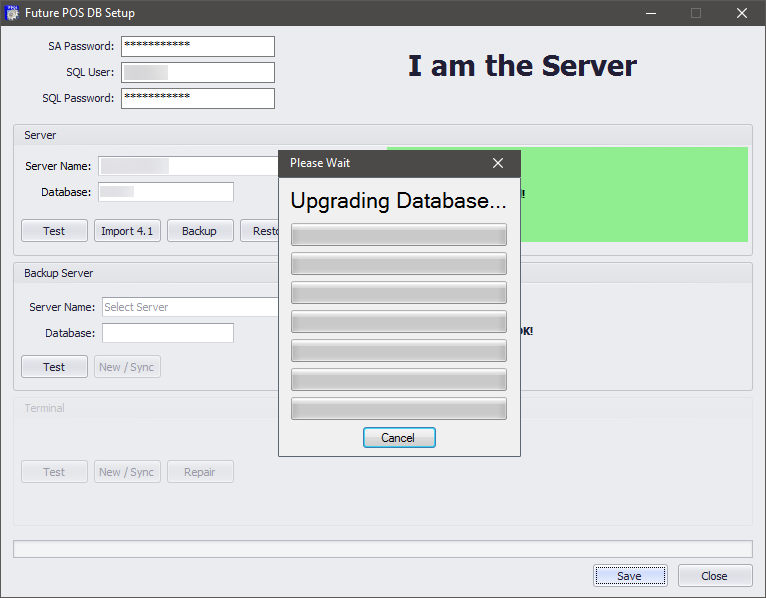
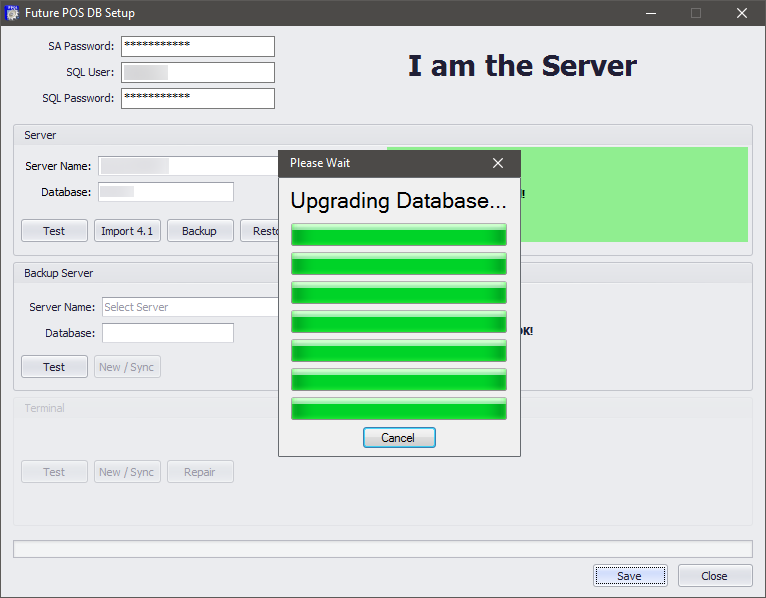
The database upgrade progress window appears

The database upgrade window at full progress

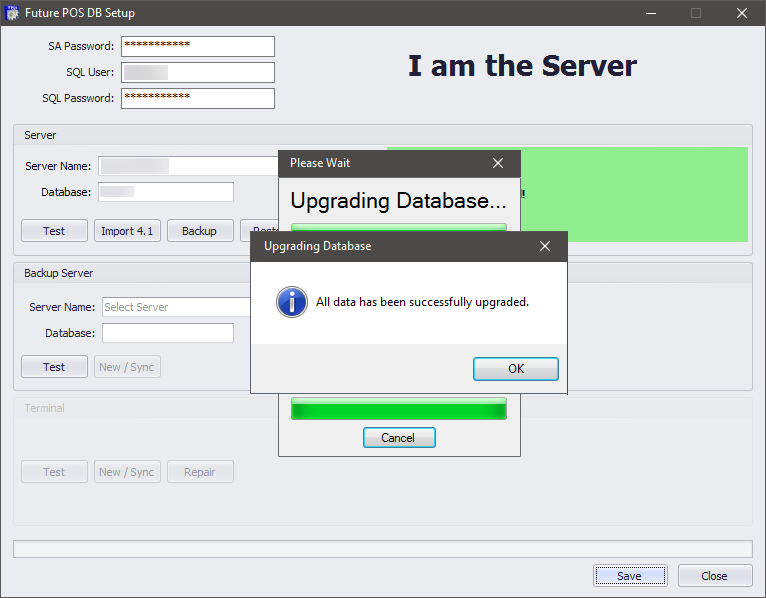
The upgrade successful dialog. Click the OK button to complete the restore process.
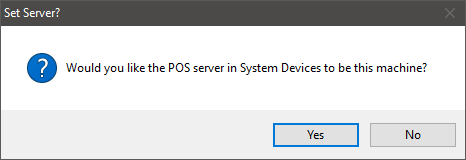
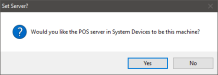
- The user will be prompted to update System Devices with the
server name of the current computer. This will also reset the IP address for the System Devices record. Click OK to update System Devices.
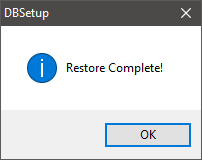
- The Restore Complete dialog will be displayed. Click the OK button to dismiss the dialog.

- Click the Save button to save the database settings.

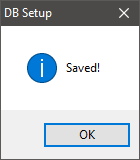
- The DB Setup confirmation dialog will appear. Click the OK button to dismiss the dialog.