Deleting An Enterprise Employee
Users can delete employees from Enterprise Employee Maintenance. Deleting an employee will remove the employee from the Enterprise environment. Once an employee has been deleted, they cannot be restored and will have to be added as a new employee.
 How to Delete an Enterprise Employee
- From the Enterprise Server, open the Back Office.
- Click the Maintenances icon.
- Click Enterprise Employee.
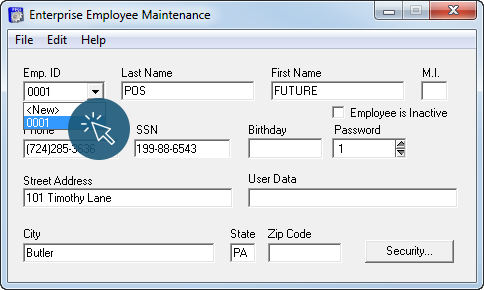
- Select an employee to delete from the Emp. ID drop down.
- Click Edit > Delete.
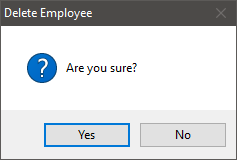
- Click Yes to delete the employee.
Open topic with navigation